 KIND BIZ
Requests arrive through many channels
Staff retype the dates and player counts that arrive by phone, messaging apps, and Excel. Anything left out comes back later as a call to confirm.
A member’s few words become the operations team’s request.
Member bookings, tour arrangements, and payments for golf clubs and golf tour operators, in one place.
KAI does the work, people decide.The staff in charge always decide approvals, assignments, and amounts.
HKI GOLF is liveOpened 09/22/20263 courses · 90 holes
The problem
If you take bookings, these scenes will look familiar.
Staff retype the dates and player counts that arrive by phone, messaging apps, and Excel. Anything left out comes back later as a call to confirm.
Golf, lodging, and transfers by day, plus the roster and flights, are pulled into one sheet and sent to the facility. When a request changes, finding which cells changed is up to a person.
Staff match who paid how much against bank records, add up split payments, and tally mixed currencies separately. Once confirmed, they rebuild the itinerary and send it again.
How it works
The member speaks, the operations team reviews, and it is confirmed once payment arrives.
Say or type the date and number of players, and the request form fills in. The member does a final check and submits it.
The request form lands in today’s tasks. Staff in charge make the calls on the on-site check, approval, and tee time assignment.
Charges and payments are matched by currency, and split payments are recorded too. Once the full amount is paid, it is confirmed, and the itinerary you send arrives in the app.
Features
The screens where members and the operations team meet, from the moment a request arrives until it is confirmed.
Type the date, time of day, number of players, transfers, and lodging, and they are sorted into the fields of one request form. Voice chat works where the company has turned it on.
See customer conversations from in-app text, voice, and KakaoTalk in one list. Decide who answers KakaoTalk inquiries first, and edit the automatic reply wording.
Write the course information and photos shown on the member app’s course and lodging screens in Korean and Japanese, and manage them in the operations screen.
In My bookings, members see right away which step they are at and what to do next.
A member’s request arrives as a work item separate from the original booking. Approval or rejection reasons and the handling history are kept, and cancellation fees are calculated from a tier table.
Bookings to review; change, cancel, and membership requests; payments and refunds; notices to send manually; failed notifications. They all gather on the first screen of the day.
Review and send the notices that must go out by hand, and see delivery results by channel and the messages sent in one list. Failed notices are resent.
Open tee times by date and set the seats. If seats run short, the assignment is rejected, so you take only what you have opened.
Tour number; golf, lodging, and transfers by day; roster; flights; and payment method are gathered in a single arrangement sheet. The member’s original request stays as submitted.
For each round, build the groups and assign tee times, then approve in the set order. If seats run short, the assignment is rejected.
When a member shows their QR code, only today’s bookings for the assigned course can be checked in. If the camera is unavailable, enter the code by hand.
Record the cash received at checkout as a receipt, and the member sees it in the app and earns points. Whether points are earned, and at what rate, is set by policy.
If an assignment changes, approval restarts from the beginning.
The deposit matching screen lines up billed cash, payments to date, and balance for each order at a glance. Won and yen are never mixed; each is shown separately.
Members see their available and pending points and their usage earning history. The company sets earning rates and usage limits by policy.
Members log in to see usage fees by course, day of the week, and time of day. Items payable with points are shown separately from cash items.
Five steps: membership selection, application, documents and signature, admission fee, and issuance. Individual, corporate, sole proprietor, and group applications are accepted.
Ask by time frame, such as this week’s assignments, yesterday’s new members, or last week’s unpaid balances, and KAI looks it up and answers. You can also ask how to use a screen.
Human decisions
KAI handles tasks and keeps a record. People always decide approvals, assignments, and amounts.
KAI sets out the amount, how to pay, and what each document requires. The member pays, signs, and consents personally.
KAI quotes only amounts confirmed on screen and never offers discounts. Any amount not yet available is given once the quote is issued.
The exact time is shown after on-site confirmation. Until then, KAI gives only the available dates and time of day.
KAI checks and explains only the member’s own trips and points.
If a feature is not ready, KAI says so and helps in the ways available now.
Getting started
Five steps from consultation to going live.
Leave your name, contact details, and golf club name. The consultation form opens from anywhere on this page.
A representative contacts you using the details you entered and explains the next steps.
See an operations screen walkthrough and a quote tailored to your club.
We build the member app and operations screens to fit your size and way of operating.
Once setup is complete, members are introduced to the service and you go live.
A message is optional. For contact details, give a phone number or email, whichever is easier.
Head office staff can still change the policy items in the operations screen after launch. A change applies to bookings created after it is made.
TimelineThe setup period depends on your size and way of operating. We confirm it in the consultation, then let you know.
Pricing
There is no fixed public price list. We give you a quote after confirming your size and way of operating.
The cost of building the member app and operations screens around your club’s courses, memberships, and policies.
The cost of running the service after launch. It is included in the quote according to your size and way of operating.
A usage fee that depends on the volume of bookings processed. You can see this month’s usage in the operations screen.
You can see a walkthrough of the operations screens along with a quote tailored to your club.
Case study
Members use the HKI GOLF app, and KIND GOLF runs operations.
Get the HKI GOLF appApp StoreGoogle Play
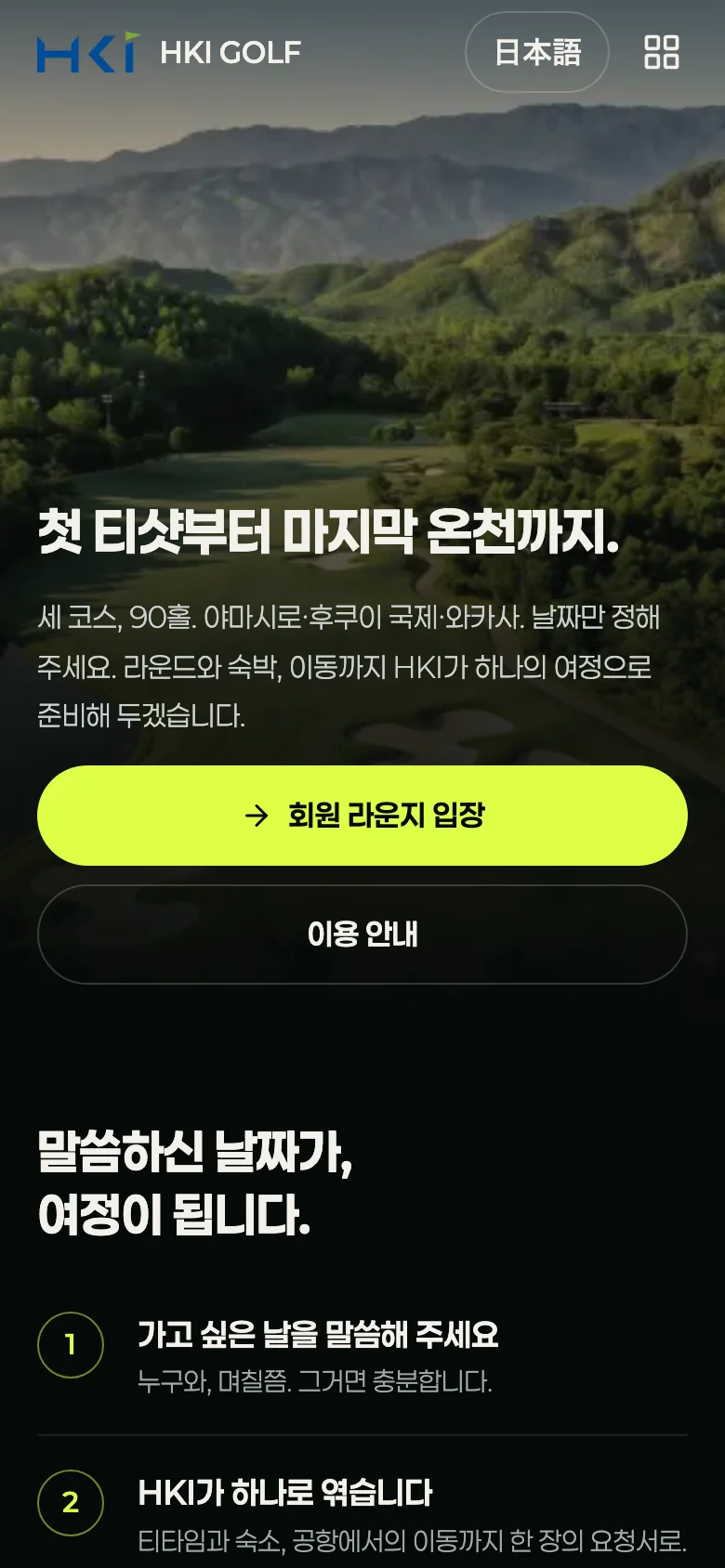
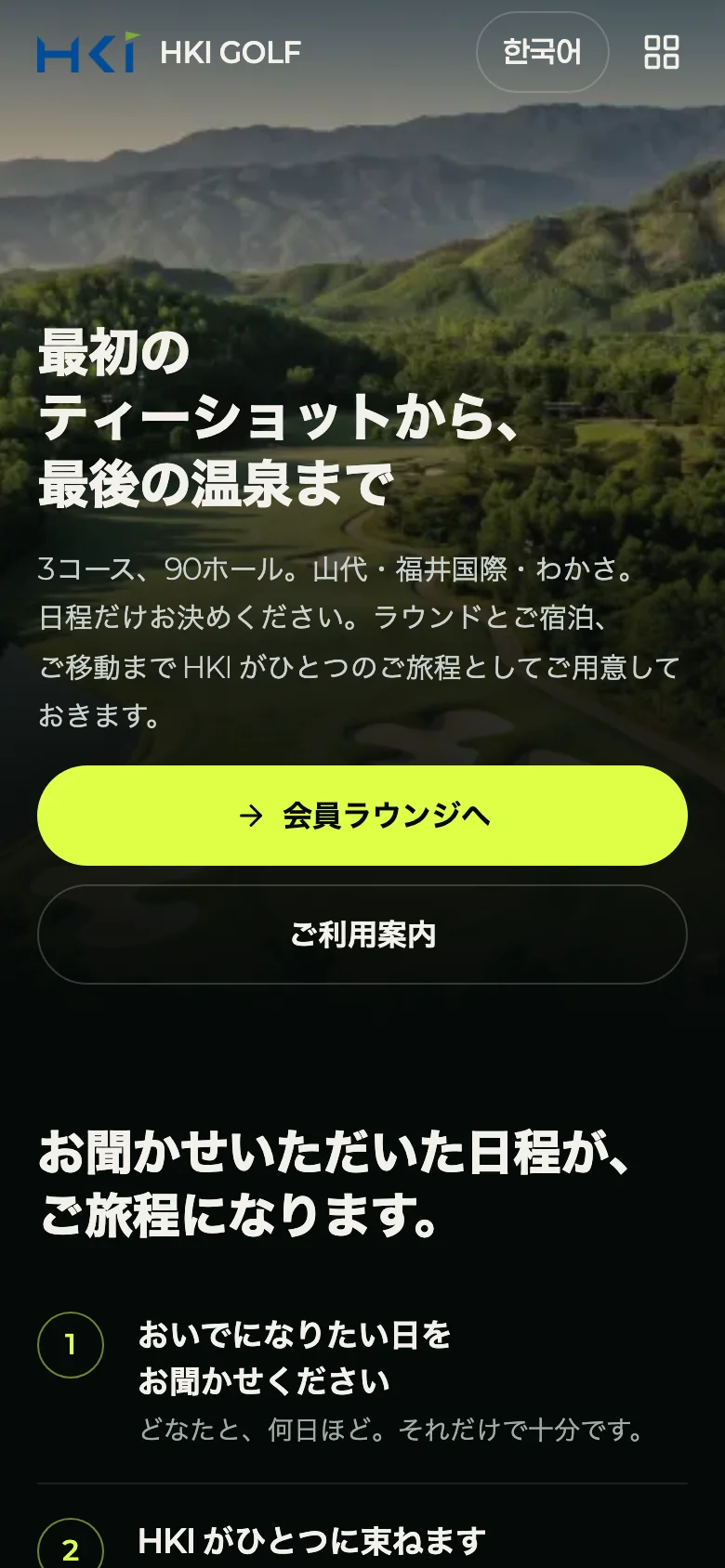
Live service screens · hki.golf.k-biz.ai
Comparison
Set side by side with running things by phone, messaging apps, and Excel.
| Topic | Phone · Messaging apps · Excel | KIND GOLF |
|---|---|---|
| Receiving requests | Taken through several channels and re-entered by staff. | Members speak or pick options and submit a request form, which arrives in today’s tasks on the operations screen. |
| Progress | You have to ask the staff. | The member app and operations screen show the same steps: request, on-site check, approval, payment, and confirmation. |
| Tee times and rooms | Kept in separate tables and cross-checked by hand. | Tee times are opened by date, with seats and closing managed; arrangement sheets deduct from the rooms in lodging blocks. |
| Arrangement sheets | A new Excel file is made every time a request changes. | Download from one master record in the format for each type of facility, and create a revised arrangement sheet with changed cells marked. |
| Deposit matching | Checked against bank records by hand. | Billed cash, payments to date, and balance are matched by currency, and split payments are recorded too. |
| On-site staff | Whole files are shared. | They see only requests for their own course and can approve on a phone screen too. |
| Changes and refunds | Scattered across notes and messages. | They arrive as work items separate from the original booking, with the reason, amount, and handling history kept. |
| Member language | Staff translate and explain. | The member app and operations screen work in Korean and Japanese. |
Scope of KIND GOLFIt covers member bookings, tour arrangements, and payments. It does not handle caddie and cart assignment or score recording on the course. How to use it alongside the on-site system you use now is confirmed in the consultation.
Security and data
Protected through roles, records, and consent.
Roles are head-office super admin, head-office operations manager, and on-site staff. On-site staff see only the work of their assigned course. The membership management, deposit matching, and refund screens, and phone numbers in rosters, are closed to them.
You can require 2-step verification with an authenticator app for head-office super admin accounts. If a staff member loses their phone, the super admin resets it.
Approvals, changes, refunds, and policy revisions are recorded. Every arrangement sheet Excel download is logged with who downloaded it and when.
The same request is submitted only once. A refund is recorded as complete only if it matches the approved amount, and the bank transaction number is kept.
In My info, members can see the version and time of the terms and privacy policy they agreed to. Account deletion requests are submitted in the app.
Member conversations and operations team conversations run separately, and usage is recorded per company. You set the topics KAI will not discuss, and KAI is never given authority to pay or sign.
FAQ
There is no fixed public price list. After confirming your club’s size and way of operating, we give you a quote, which is divided into a setup fee, an operating fee, and a booking processing fee.
After launch, you can check this month’s usage fees (estimated) every day in “Usage fees & billing” on the operations screen, and on the 1st of each month you receive last month’s invoice and card receipt.
The steps are consultation, operations screen walkthrough and quote, setup, and member introduction. The setup period depends on your size and way of operating, so we confirm it in the consultation, then let you know.
Memberships and tee times can be registered in one go via CSV, and are validated before they are applied. Members then verify their membership number in the app against the registered roster.
KAI only fills in the request form; the member checks it and submits it personally. It is the same request as the form’s button, so it is submitted only once. KAI gives only confirmed amounts and tee-off times.
Booking approval, assignment, quotes, and refunds are handled by staff. Changes prepared by KAI for the operations team also take effect only after the confirmation card is tapped.
The member app and operations screen work in Korean and Japanese. Amounts are shown with their own currency symbols, and deposit matching keeps currencies separate.
If you need other languages, tell us in the consultation.
Card payment appears as an option once the payment provider is connected. Until then, operations run on points, on-site cash, and bank deposits. The receiving entity and payment methods are set in payment-collection settings on the operations screen.
They see only requests for their assigned course. The membership management, deposit matching, and refund screens stay closed, and phone numbers on the arrangement sheet roster are left out of downloads. Head-office operations managers and super admins see all of the company’s courses.
In My info, members can see the version and time of the terms and privacy policy they agreed to, and they submit account deletion requests in the app. Every arrangement sheet Excel download is logged with who downloaded it and when.
KIND GOLF handles member bookings, tour arrangements, and payments. It does not handle caddie and cart assignment or score recording on the course, and how to use it alongside your on-site system is confirmed in the consultation.
The operations screen has an “On-site equipment connection” menu for requesting a dedicated environment for each facility and checking progress. It is shown to companies that are eligible.
Please confirm the contract terms and the scope of data transfer in the consultation.

We quote to fit your size and way of operating. The quote covers a setup fee, an operating fee and a booking processing fee.
Your name, contact details, and golf club name are all we need.